GIMP Review: The Best Free Image Editing Software You Can Use Today
In today’s digital environment, visual content plays a critical role in websites, social media, and online businesses. Having a reliable image editing tool is no longer optional. GIMP (GNU Image Manipulation Program) stands out as one of the most powerful free and open-source image editors available, offering advanced features that meet professional standards.
What Is GIMP?
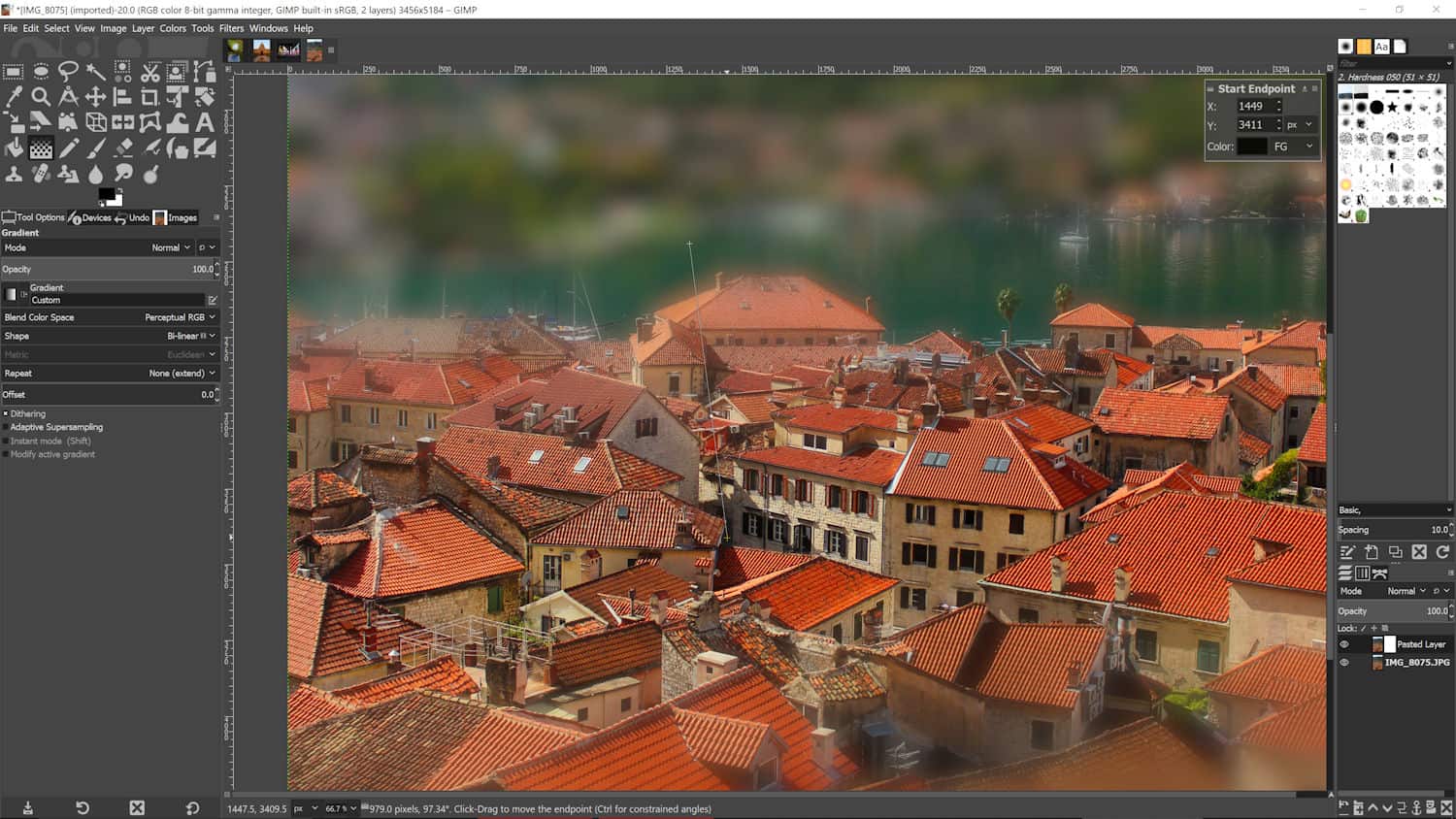
GIMP is a free, open-source image editing software designed for photo retouching, graphic design, and digital illustration. It is maintained by an active global community of developers, ensuring continuous updates, stability, and flexibility. Unlike subscription-based tools, GIMP provides full access to its features without licensing fees.
Core Capabilities
Professional Image Editing
GIMP offers advanced tools for color correction, exposure adjustment, retouching, and image restoration. It supports high-quality workflows suitable for photographers and content creators.
Layer-Based Editing System
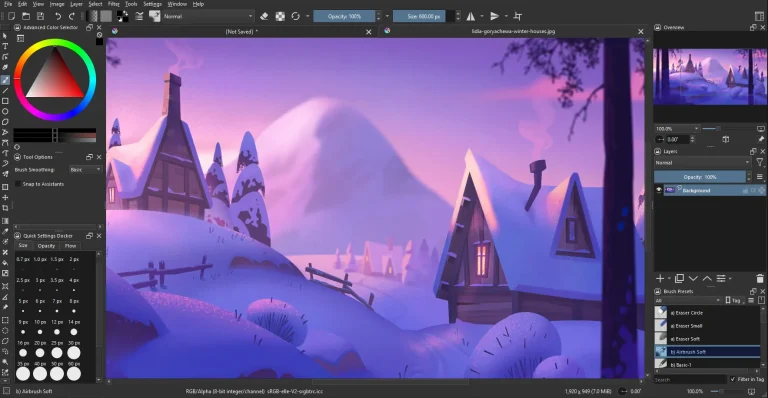
The software includes a complete layer system with masks, blend modes, and transparency control. This allows precise, non-destructive editing commonly required in professional design work.
Customizable Tools and Extensions
Users can extend GIMP’s functionality through plugins, scripts, and custom brushes. This adaptability makes it suitable for different workflows, from simple image optimization to complex design projects.
Wide File Format Support
GIMP supports popular formats such as PNG, JPEG, TIFF, GIF, and partially PSD, making it compatible with most design and web projects.
Who Is GIMP Best For?
GIMP is well suited for:
- Graphic designers seeking a free professional solution
- Photographers needing advanced retouching tools
- Website owners creating optimized visuals
- Students and freelancers working with limited budgets
It is especially valuable for users who want full control over their software without recurring costs.
Advantages and Limitations
Advantages
- Completely free and open-source
- No subscriptions or usage limits
- Strong community support and documentation
- Available on Windows, macOS, and Linux
Limitations
- Interface may require a learning period
- Some workflows differ from commercial software
Is GIMP a Reliable Alternative to Paid Software?
For many use cases, yes. While premium tools may offer a more polished user experience, GIMP delivers comparable functionality for image editing, web graphics, and creative design. With proper configuration and practice, it can handle professional-level tasks efficiently.
GIMP remains one of the best free image editing tools in 2026. Its combination of advanced features, open-source flexibility, and zero cost makes it a strong choice for creators, designers, and online professionals. For anyone looking to build or manage visual content without financial barriers, GIMP is a practical and reliable solution.